Communication infrastructure for AI agents.
Give any AI agent a safe way to talk to customers and act on Instagram, WhatsApp, LinkedIn, Messenger and TikTok. One API and MCP server, with every account kept inside its limits.
Paste this into your AI agent. It sets itself up.
Set up Spaces for me by following https://www.spacesos.com/agents
Will my accounts get banned?
Every message is paced and kept inside safe limits. No tool can promise a platform never restricts an account, so these run on every message.

Daily limits
Each channel has its own daily and weekly caps, set from what is known to be safe for that platform.
Natural pacing
Messages are spaced out instead of sent in bursts, the way a person would reply.
Warm-up
Newly connected accounts start with lower limits that rise over the first weeks.
Automatic pause
If an account reaches a limit or shows signs of a restriction, sending pauses on its own.
Three steps, about three minutes.
Connect your account
Scan a QR code for WhatsApp, or sign in to Instagram, LinkedIn or Facebook. It takes a minute.
Tell your agent what to know
Your prices, opening hours, policies and what to pass to you. Plain words are enough.
It replies for you
Customers get an answer in the same chat, day or night. Anything important comes to you.
How you can use Spaces.
Give your AI agent a job on the accounts you already have.

Customer support
Your AI agent answers the questions customers ask every day, in the chat they started, and hands complaints, refunds and anything personal to a person.
Sales and lead generation
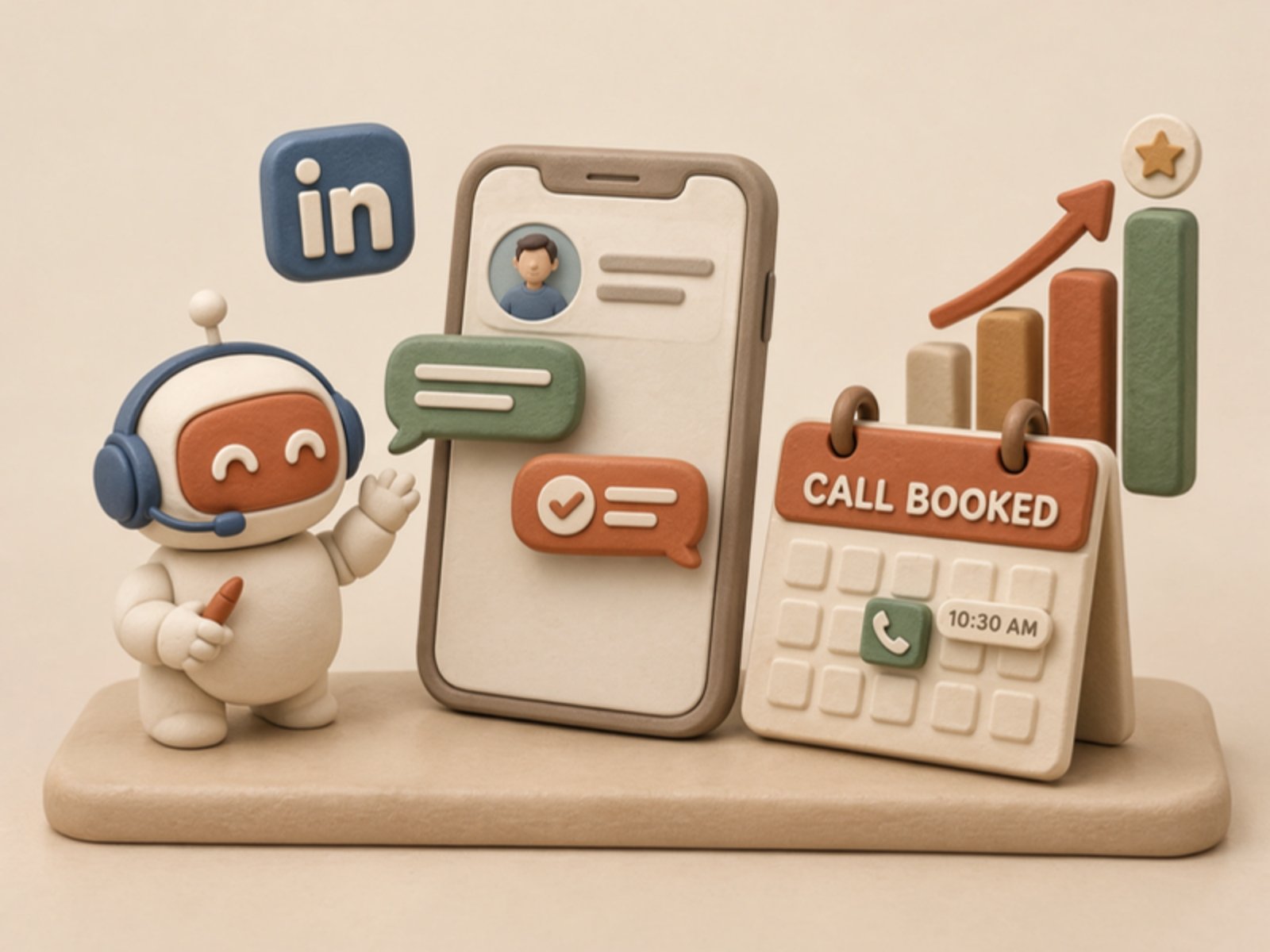
Your AI agent answers new enquiries fast, asks your qualifying questions, books the next step and briefs your sales team. Careful one-to-one messages only.

Recruiting and ATS
Your AI agent answers candidates, asks your screening questions and books interviews in the chat. Your ATS is updated only through the agent’s own tools.
Building software? Build Spaces into your product.
Built for businesses that live in their chats.
Coaches, financial advisers, recruiters, estate agents, online stores and more. Pick yours to see how it works.
 01
Coaches
Let an AI agent answer enquiries about your coaching, send your booking link and handle admin, while the coaching stays with you. Client-started conversations only.
 02
Financial advisers
Let an AI agent book reviews, chase paperwork and answer general questions for your advice firm, and pass every money question to an adviser. Client-started conversations only.
03Recruiting and staffing
Let an AI agent keep applicants up to date and answer their questions about roles, interviews and shifts. Candidate-started conversations only.
 04
Real estate
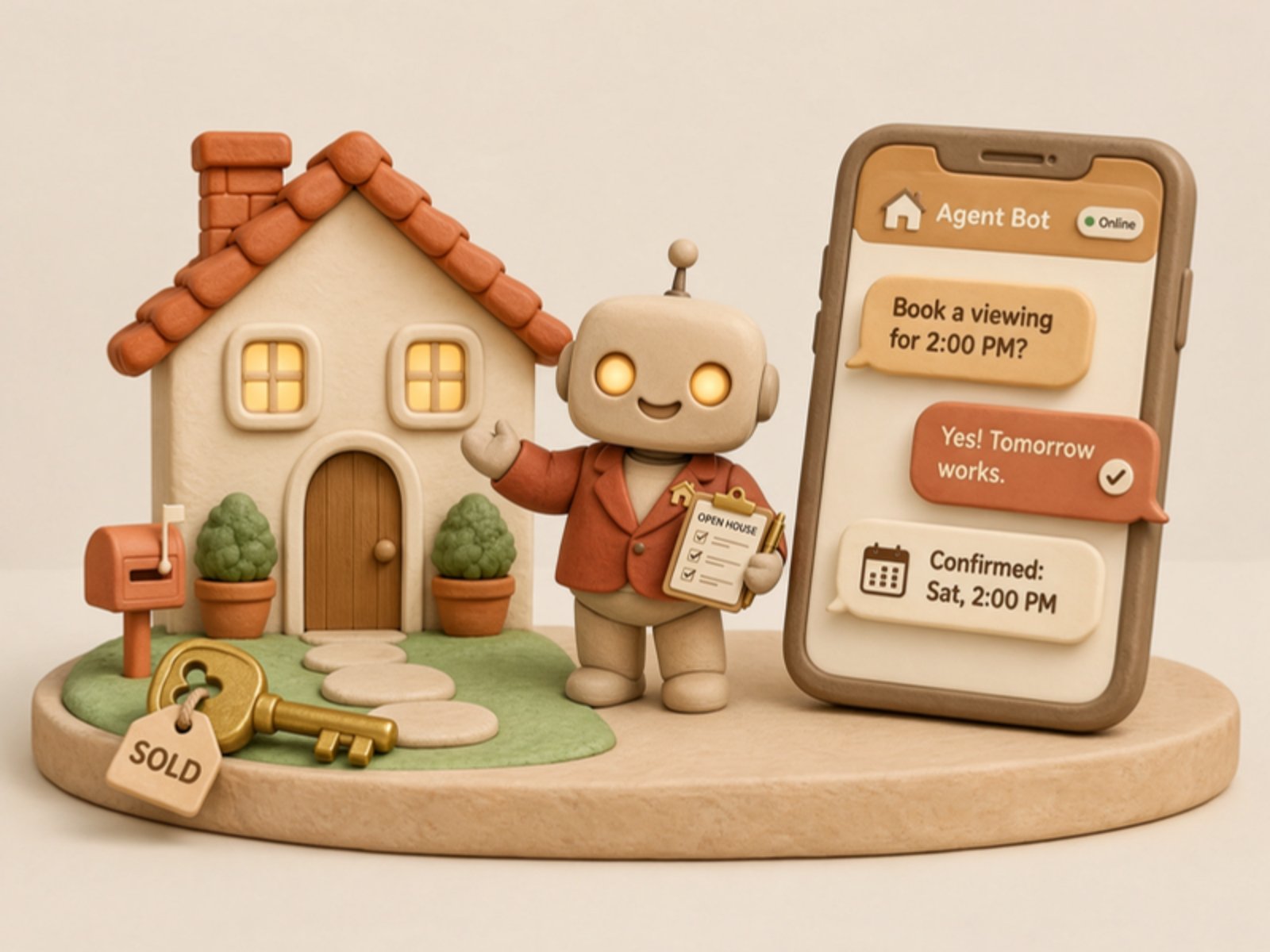
Let an AI agent reply to people who message about your listings: availability, viewings and details, in the chat they started.
 05
Online stores
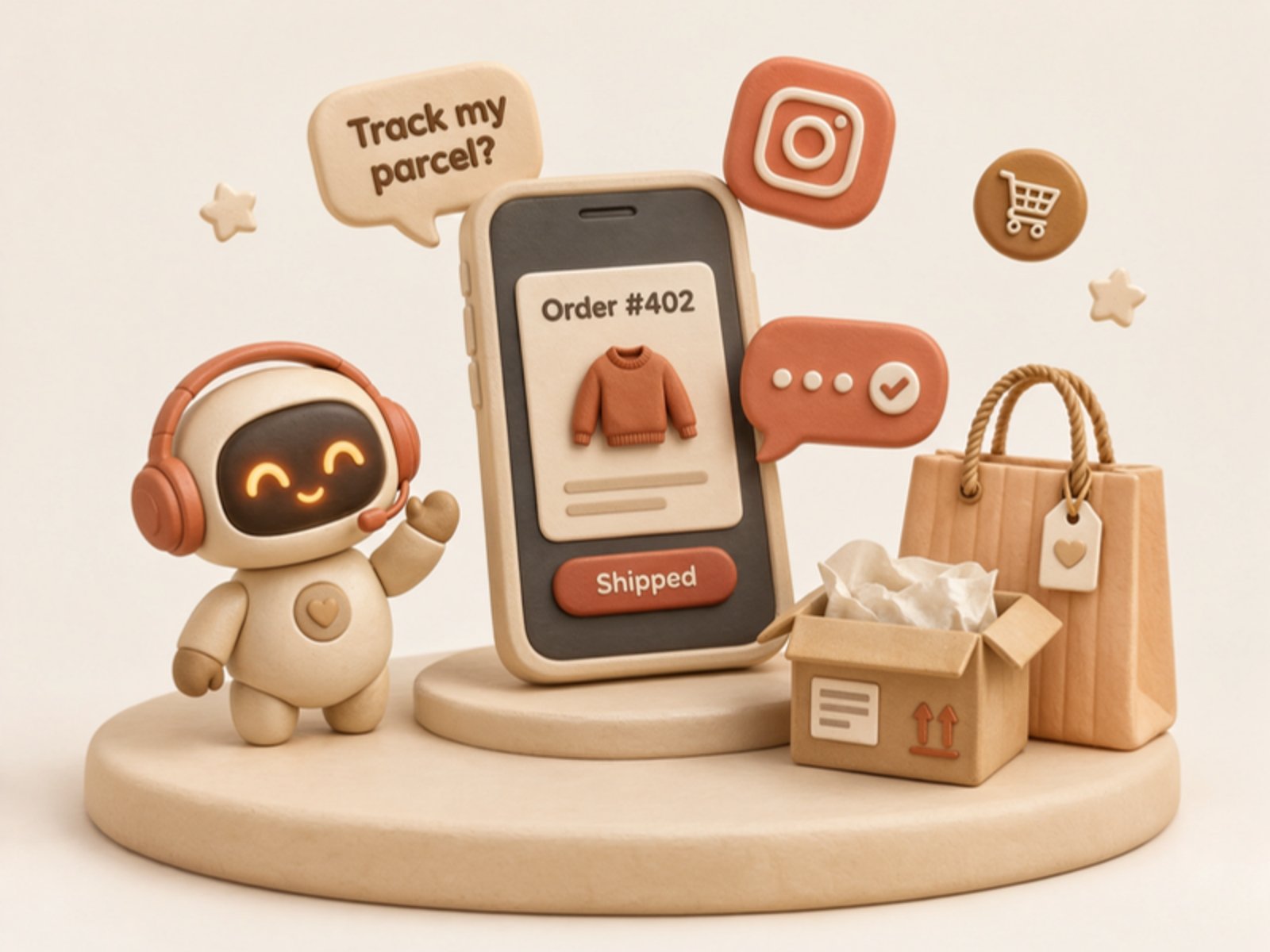
Let an AI agent answer order, delivery, return and sizing questions from your customers in the chat they started.
 06
Legal and professional services
Let an AI agent take first details from new enquiries and chase documents for your firm, with advice left to professionals. Client-started conversations only.
See every account in one place.
Every account, conversation and result in one place.
Conversations
214 answered todayIllustration with example data.
Free to start, then $19 per connected account a month.
Start on the Free plan with 1 account and 20 actions a day. No card needed.
Three ways in, one API behind them.
A REST API, an MCP server, or one line your agent pastes.
Call it from your own code
Plain HTTPS and JSON, in any language. The same key and limits as the MCP server, and an Idempotency-Key so a retry never sends twice.
Read the referencecurl -X POST https://api.spacesos.com/v1/messaging/accounts/ACCOUNT_ID/chats/CHAT_ID/messages \
-H "Authorization: Bearer $SPACES_API_KEY" \
-H "Idempotency-Key: reply-2210-1" \
-H "Content-Type: application/json" \
-d '{"text":"Yes, Riverside has 14 cartons right now."}'Building an AI agent? Give your users a safe way in.
One API and MCP server for Instagram, WhatsApp, LinkedIn, Messenger and TikTok, with each platform’s limits enforced for you.
Built to run many accounts.
Run dozens of accounts for your team or your clients, each with its own limits and keys.
- Many accounts per workspace
- Paid plans with several accounts on one bill
- Keys scoped to read-only or send
- Audit log of admin actions
Questions, answered.
01What does Spaces do?
Spaces connects your business accounts on Instagram, WhatsApp, LinkedIn and Messenger to the AI agent you already use. Your agent can then read new messages and reply to customers in the same chat. On TikTok, your agent can post and answer comments.
02Will my accounts get banned?
Platforms restrict automation on personal accounts, and no tool can promise an account will never be restricted. Spaces lowers the risk on every message with daily limits for each channel, natural pacing, a warm-up for new accounts and an automatic pause when something looks wrong.
03Which AI agents work with Spaces?
Claude, ChatGPT, Grok, Cursor, Codex, OpenClaw and Hermes all work with Spaces. Chat apps such as ChatGPT and Claude act when you ask them in a chat, while always-on agents such as Claude Code, Codex, OpenClaw and Hermes can keep answering on their own.
04Do I need to know how to code?
You can set Spaces up without writing code. Paste one setup line into your AI agent, or add Spaces as a connector in its settings, and it connects itself. Developers who want more control can use the REST API instead.
05Do I need a card to try it?
No. The Free plan needs no card to start and has no end date. It includes 1 connected account and 20 actions a day. Adding a card starts Pay as you go. Pay as you go is for a second account or more than 20 actions a day.
06Will my agent message people on its own?
Spaces only sends what your agent writes, and your agent follows the notes you give it. You can ask your agent to hold replies as drafts, so nothing goes out until you approve it, take over any chat yourself, or pause all sending at any time.
07Can I run accounts for a team or for clients?
Yes. One workspace can hold many accounts, each with its own limits, and keys can be limited to reading or sending. Agencies get their own pricing from 10 accounts.
08How much does it cost?
You can start on the Free plan, with 1 account and 20 actions a day. Pay as you go is $19 per connected account a month, with 200 actions a day per account included and shared across your workspace, then $2.99 per 1,000. The pricing page shows what each plan includes.
Let your next customer get an answer right away.
Start on the Free plan. No card needed, and no sales call.