An AI sales manager in your chats
An AI sales manager is your own AI agent, given the job of handling the buying conversations that reach your business in chat. With Spaces, it reads every new message on WhatsApp, Instagram, LinkedIn and Facebook Messenger, answers questions about price, sizes, availability and delivery, recommends what fits, and sends the product page or booking link so the person can buy in a couple of taps.
See it in a conversation.
Names and details are examples.
How to set it up step by step.
The full reference is in the partner docs.
- 1
Connect your accounts
In your Spaces dashboard, connect the accounts you already use.
- 2
Add Spaces to your AI agent
Add Spaces to the AI agent you already use, such as Claude, ChatGPT or your own code, through the MCP server or the API.
- 3
Give the agent its sales brief
List what you sell, prices it may quote, sizes or options, delivery and returns, the links it should send, and when to pass a buyer to you.
The details.
Quick answer
It works the way a good shop assistant does: it answers what was asked, asks one useful question back, and knows when to step aside. Spaces handles the messages only. Your shop, catalogue, calendar and CRM stay where they are, and the agent reaches them through its own tools or MCP servers. Payments always happen on your own checkout, never in Spaces.
What the AI agent does on each channel
Spaces works with Instagram, WhatsApp, LinkedIn, Facebook and TikTok (coming soon). On Facebook, that means Messenger on a personal Facebook account.
- WhatsApp: People who saw an ad or your website ask about price and stock. The agent answers in the same chat, sends a photo or the product link, and follows up once with people who asked to hear back.
- Instagram: Buyers write “price?” under a post or reply to a story. The agent answers the direct message, replies to the comment, and sends a private reply from the comment into their messages where Instagram allows it.
- LinkedIn: For businesses that sell to other businesses. The agent answers prospects who write to you, looks up their public profile for context, and books a call with the right person. A normal message goes to a 1st-degree connection. Anyone else needs a connection request or an InMail.
- Facebook Messenger: The agent answers people who message your personal Facebook account about an offer or a listing, shares the link and tells you who is ready to buy.
What does an AI sales manager do in WhatsApp and Instagram chats?
Most buyers who message a business want three things answered before they buy: is it right for me, is it available, and how do I get it. Your agent answers those from the brief you give it and, if you connect your shop to the agent, from live stock and prices. It recommends one or two options rather than a long list, and it sends the exact link to order or book.
It also keeps track. The agent tags each chat by stage, such as “asked price”, “link sent” or “ordered”, adds a private note with what the person wanted, and saves contacts with their own tags so it can find them later. When someone says they will think about it, the agent can set a follow-up that goes once, inside your working hours, and stops the moment the person replies.
How does the agent brief the owner or the sales team?
Ask your agent for a summary at the start of each day, or before a call. It reads the chats through Spaces and tells you who is close to buying, what people kept asking, which products ran out of answers, and who is waiting for a person. Triggers can wake the agent when a new message arrives, so nothing waits until morning.
For larger orders, discounts or anything unusual, the agent hands the chat to you. Once a chat is handed over, the agent stays out of it until someone hands it back. Ask your AI agent to hold replies as drafts, and nothing goes out until you approve it.
After setup
- Connect your shop or CRM, if you want. To check live stock or log a lead, connect your shop or CRM to the agent through its own tools or MCP servers. Spaces does not connect to shops or CRMs. It handles the messages.
- Test it with real questions. Message your own account from another phone or profile, ask what a real buyer would ask, and read the drafts before you let replies go out on their own.
What always goes to a person
Tell your agent to hand these to a person every time:
- discounts, negotiation and prices outside your list
- bulk, wholesale or unusually large orders
- payment problems and anything about money already paid
- complaints, or a buyer who seems upset or unsure
- anyone who asks to speak to a person
Safe by default, on every account
A sales manager in chat works with people who wrote to you first, or who already know you and expect to hear back. Spaces never cold-messages lists, and the Terms rule out bought or scraped contacts. Follow-ups go only to people who asked, and stop on a reply or a no.
Every account keeps its own daily limits, pacing and warm-up. Spaces lowers the risk with limits, pacing and warm-up, and pauses sending if an account shows signs of a restriction. No tool can promise that a platform will never restrict an account, and Spaces does not either. To stop everything at once, choose Pause everything in Settings.
- Instagram replies to people who wrote in: 250 a day and 40 an hour, at least 15 seconds apart (60 a day and 15 an hour on days 1 to 3).
- A new chat only goes to someone who has messaged your number before, or whom you marked as opted in on the Accounts page.
- LinkedIn: up to 100 new conversations and 100 messages a day, at least 20 seconds apart.
- Facebook Messenger: up to 50 messages and 8 new chats a day, at least 20 seconds apart.
Every channel’s limits are on sending limits, and how Spaces protects accounts is on account safety.
Questions, answered.
01Can an AI agent close sales on WhatsApp?
It can answer the questions that stand between a buyer and an order, and send the link to buy or book. The purchase itself happens on your own checkout. Spaces never takes payments.
02How is this different from a chatbot with set answers?
A set-answer bot matches keywords. Your agent reads the whole message, uses your brief and, if connected, your live catalogue, and writes a reply for that person. You can still keep saved replies for the answers you want word for word.
03Will the agent follow up with people who went quiet?
Only with people who asked to hear back. A follow-up goes inside your working hours and stops as soon as the person replies. Anyone who says no is not messaged again.
04Can the agent send product photos?
Yes. It can reply with photos, files and voice notes in the same chat. On WhatsApp, the first message to someone new is plain text only.
05Does Spaces connect to Shopify or my CRM?
No. Connect them to your agent through its own tools or MCP servers. The agent reads and replies through Spaces, and checks stock or logs leads itself.
06Which channels does it work on?
WhatsApp, Instagram, LinkedIn and Facebook Messenger on a personal Facebook account, all in one inbox. Your agent replies from the account the person wrote to, so the conversation stays in the chat they chose.
07What does it cost?
Free to start, then $19 per connected account a month. Start on the Free plan with no card, and see the pricing page for the details.
Industries that use this most.

Online stores
Let an AI agent answer order, delivery, return and sizing questions from your customers in the chat they started.
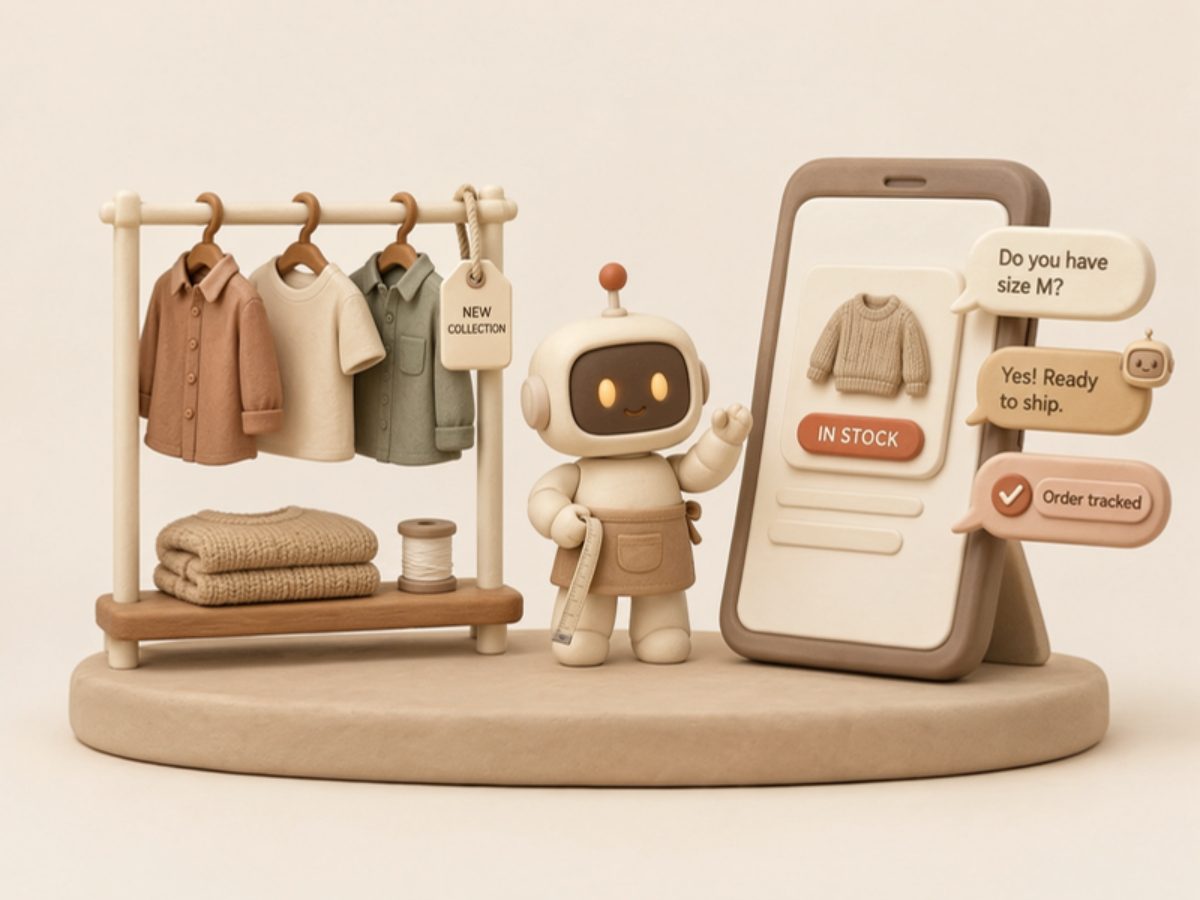
Clothing brands
Let an AI agent answer sizing, fit, restock and returns questions customers send your clothing brand, in the chat they started. Customer-started conversations only.
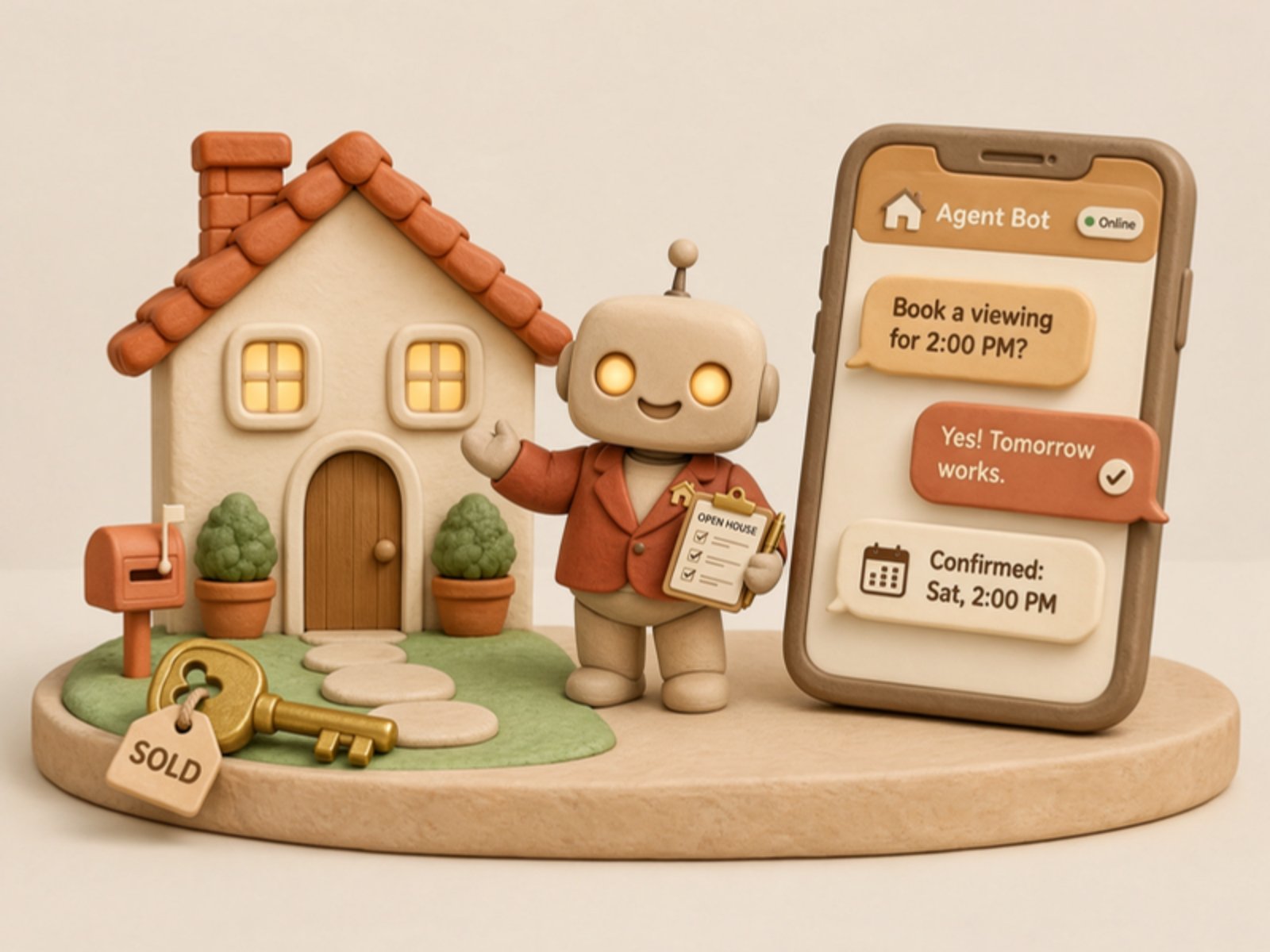
Real estate
Let an AI agent reply to people who message about your listings: availability, viewings and details, in the chat they started.

Car dealerships
Let an AI agent answer stock, finance and test-drive questions buyers send your dealership, and book visits for your sales team. Buyer-started conversations only.

Supermarkets
Let an AI agent answer the messages shoppers send your store about stock, hours and order pickup. Customer-started conversations only.

Restaurants
Let an AI agent answer guests' messages about bookings, menus, hours and takeaway, in the chat they started.
Other ways to use Spaces.
Appointment booking
Your AI agent offers times, books the slot through its own calendar tool or sends your booking link, and confirms it in the chat the person started.
Appointment reminders
Your AI agent sends a reminder in the chat the client booked in, moves the appointment when they ask, and follows up kindly after a no-show.
Complaint management
Your AI agent replies to a complaint straight away, gathers the order number and photos, and hands the chat to a person with a clear note. It never argues.
Start building.
Start with a workspace of your own to try the API, then email hello@spacesos.com to become a partner.