Answering Meta ad chats with your AI agent
Spaces lets your AI agent answer the chats that come from your Meta ads. When someone taps a Click-to-WhatsApp ad or an ad that opens your Instagram messages, a chat starts with your business, and the agent replies within moments: it answers the question, asks what they need, and books, sells or passes them to a person.
See it in a conversation.
Names and details are examples.
How to set it up step by step.
The full reference is in the partner docs.
- 1
Connect your accounts
In your Spaces dashboard, connect the accounts you already use.
- 2
Add Spaces to your AI agent
Add Spaces to the AI agent you already use, such as Claude, ChatGPT or your own code, through the MCP server or the API.
- 3
Brief the agent on each ad
For each ad, tell the agent the offer, the price it may share, the questions to ask, the link to send and when to pass the chat to a person.
The details.
Quick answer
Spaces also has an ads layer, in early access, that lets the same agent build Facebook and Instagram campaigns that start paused, read what you spent and what came back, and pause what is not working. Nothing goes live or spends more until you say yes, and only you can raise your budget caps.
What the AI agent does on each channel
Spaces works with Instagram, WhatsApp, LinkedIn, Facebook and TikTok (coming soon). On Facebook, that means Messenger on a personal Facebook account.
- WhatsApp: A Click-to-WhatsApp ad opens a chat with your number, often with a first message filled in. Once the person sends it, the agent replies in that chat, asks about the offer they saw, and keeps the conversation going until it is settled.
- Instagram: Ads that send people to your Instagram messages, and comments on your ads, become chats the agent answers. Where Instagram allows it, it sends a private reply to someone who commented on an ad.
- LinkedIn: LinkedIn ads are not part of the Spaces ads layer. People who see your LinkedIn posts or ads and message you get the same quick answers and qualifying questions from the agent.
- Facebook Messenger: Messenger in Spaces is your personal Facebook account. The agent answers people who message you there, including anyone who found you through an ad and wrote to you directly.
How do I answer Click-to-WhatsApp ad messages automatically?
Connect the WhatsApp number your ads point to, give your AI agent a brief about each offer you advertise, and let it reply. An ad chat is the warmest lead you will get: the person tapped the ad seconds ago and is still holding their phone. A reply a few minutes later wins far more of them than a reply the next morning.
Give each ad its own first message, such as “I saw the yoga course ad”, so the agent knows which offer the person means. The agent tags each chat with the ad it came from, which lets you ask later how many chats each ad started and how many became bookings or sales.
Because the person wrote first, these are replies, not cold messages. On WhatsApp, replies to someone who wrote in go out from the first day and have their own generous caps, so a busy ad does not get stuck behind the warm-up.
Can an AI agent run my Facebook and Instagram ads?
Yes, in early access, with you in charge of the money. Through Spaces, your agent can build campaigns, ad sets and ads from your photos, text and link, aimed by place and interests, and every one is created paused. It can show you a preview, estimate how many people an audience could reach, and report spend and results by campaign, ad set, ad or day.
You set a daily budget cap and a monthly spend cap in your dashboard. Your agent can lower them but never raise them. Turning something on, or raising the budget of something already running, waits for your yes. Pausing is instant, so the agent can stop an ad that wastes money straight away, and it can send sales and leads back to your ad account so Meta learns who buys. Meta bills your ads to the payment method on your ad account, as it does today.
After setup
- Point your ads at your accounts. Set your Click-to-WhatsApp ads to the number you connected, and your message ads to the Instagram account you connected, with a first message that names the offer.
- Ask for ads access, if you want. To let the agent build and watch your Meta ads, write to hello@spacesos.com for early access, connect your ad account and set your budget caps.
- Test it. Tap your own ad from another phone, send the first message, and check the reply and the tags before you raise the budget.
What always goes to a person
Tell your agent to hand these to a person every time:
- discounts, custom quotes and anything outside the advertised offer
- payments, refunds and anything about money
- complaints about the ad or the offer
- a person who asks to speak to someone
- anything the agent is unsure about, or that the ad brief does not cover
Safe by default, on every account
Ad chats are conversations people start, which is the safest kind of message. Spaces paces every reply and keeps each account inside its daily limits, so a sudden rush from a popular ad goes out steadily rather than in a burst.
On the ads side, everything starts paused, your caps can only be raised by you, and Spaces pauses the campaigns it runs when spend this month reaches your cap. Spaces never holds your ad money and never takes payments. Spaces lowers the risk with limits, pacing and warm-up, and pauses sending if an account shows signs of a restriction. No tool can promise that a platform will never restrict an account, and Spaces does not either.
- A reply to someone who wrote in goes out from the first day and does not count toward the messages a day. Replies have their own generous caps instead (80 a day on days 1 to 3, up to 400 a day), so a long backlog goes out over a few hours rather than in a burst.
- Instagram replies to people who wrote in: 250 a day and 40 an hour, at least 15 seconds apart (60 a day and 15 an hour on days 1 to 3).
- Facebook Messenger: up to 50 messages and 8 new chats a day, at least 20 seconds apart.
Every channel’s limits are on sending limits, and how Spaces protects accounts is on account safety.
Questions, answered.
01Can an AI agent reply to Click-to-WhatsApp ads?
Yes. Connect the number your ads point to, and the agent answers each chat in the same conversation, usually within a minute.
02Can my AI agent spend money on ads without asking me?
No. Everything it builds starts paused, and turning something on or raising a running budget waits for your yes, inside caps only you can raise.
03Do I pay for ads through Spaces?
No. Meta bills your ads to the payment method on your ad account. Spaces never holds your ad money.
04Which ad networks does the Spaces ads layer support?
Meta, for Facebook and Instagram, is in early access. Write to hello@spacesos.com to have it turned on for your workspace.
05How do I know which ad a chat came from?
Give each ad its own first message. The agent reads it, tags the chat with the ad, and can tell you how many chats each ad started.
06Which AI agents can do this?
Any agent that connects to Spaces through the MCP server or the API, such as Claude, ChatGPT, Grok, Cursor or your own code.
07What does it cost?
Free to start, then $19 per connected account a month. Start on the Free plan with no card, and see the pricing page for the details.
Industries that use this most.

Online stores
Let an AI agent answer order, delivery, return and sizing questions from your customers in the chat they started.

Beauty and wellness
Let an AI agent answer client questions about treatments, prices and appointments for your spa, studio or clinic, in the chat they started.
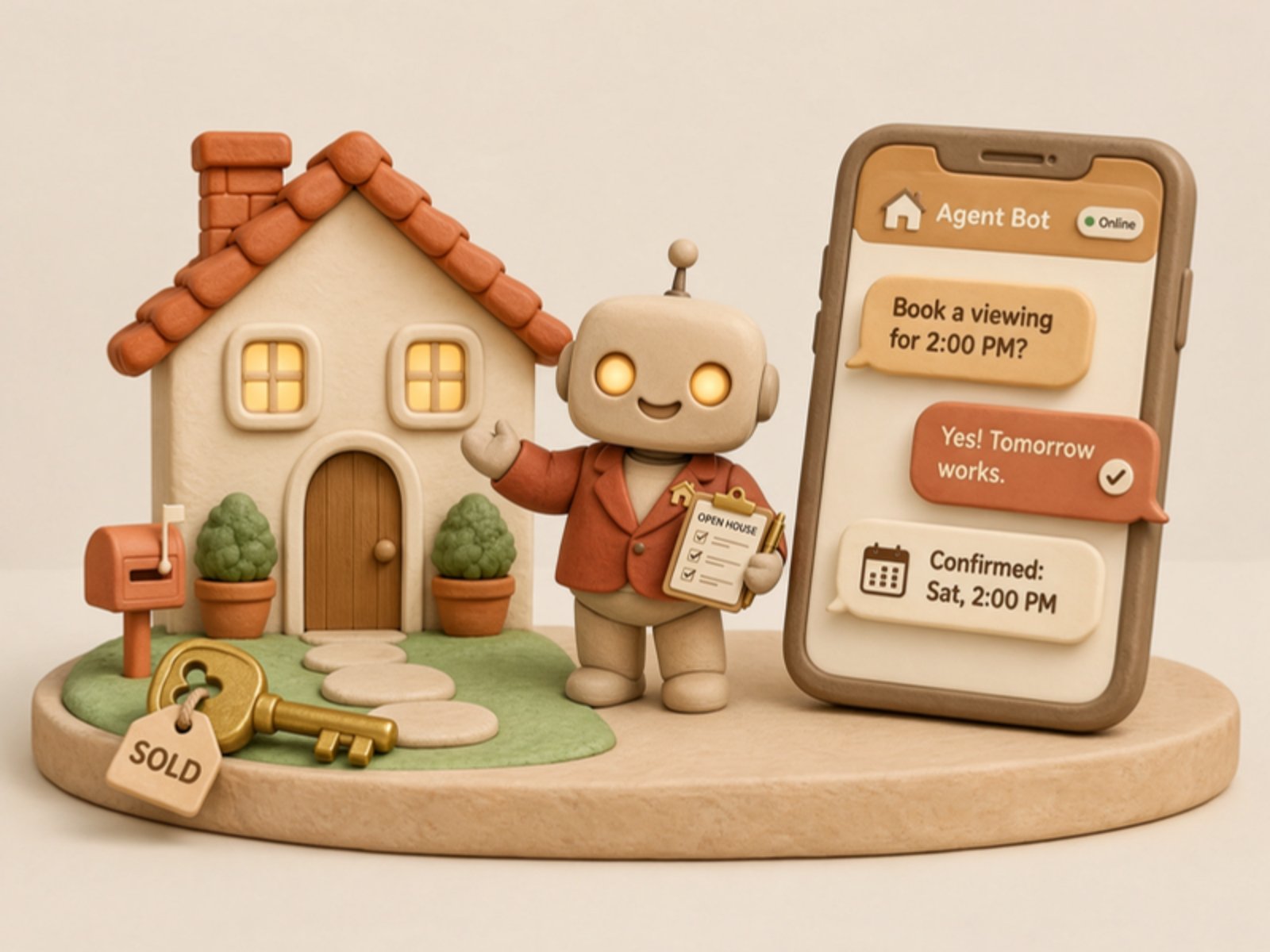
Real estate
Let an AI agent reply to people who message about your listings: availability, viewings and details, in the chat they started.
Marketing agencies
Let an AI agent handle client questions, project status requests and new enquiries for your marketing agencies team, in chats clients start.

Supermarkets
Let an AI agent answer the messages shoppers send your store about stock, hours and order pickup. Customer-started conversations only.

Restaurants
Let an AI agent answer guests' messages about bookings, menus, hours and takeaway, in the chat they started.
Other ways to use Spaces.
AI sales manager
Your AI agent answers buying questions at any hour, recommends the right product or service, sends the link, follows up once and briefs you every morning.
Appointment booking
Your AI agent offers times, books the slot through its own calendar tool or sends your booking link, and confirms it in the chat the person started.
Appointment reminders
Your AI agent sends a reminder in the chat the client booked in, moves the appointment when they ask, and follows up kindly after a no-show.
Start building.
Start with a workspace of your own to try the API, then email hello@spacesos.com to become a partner.